
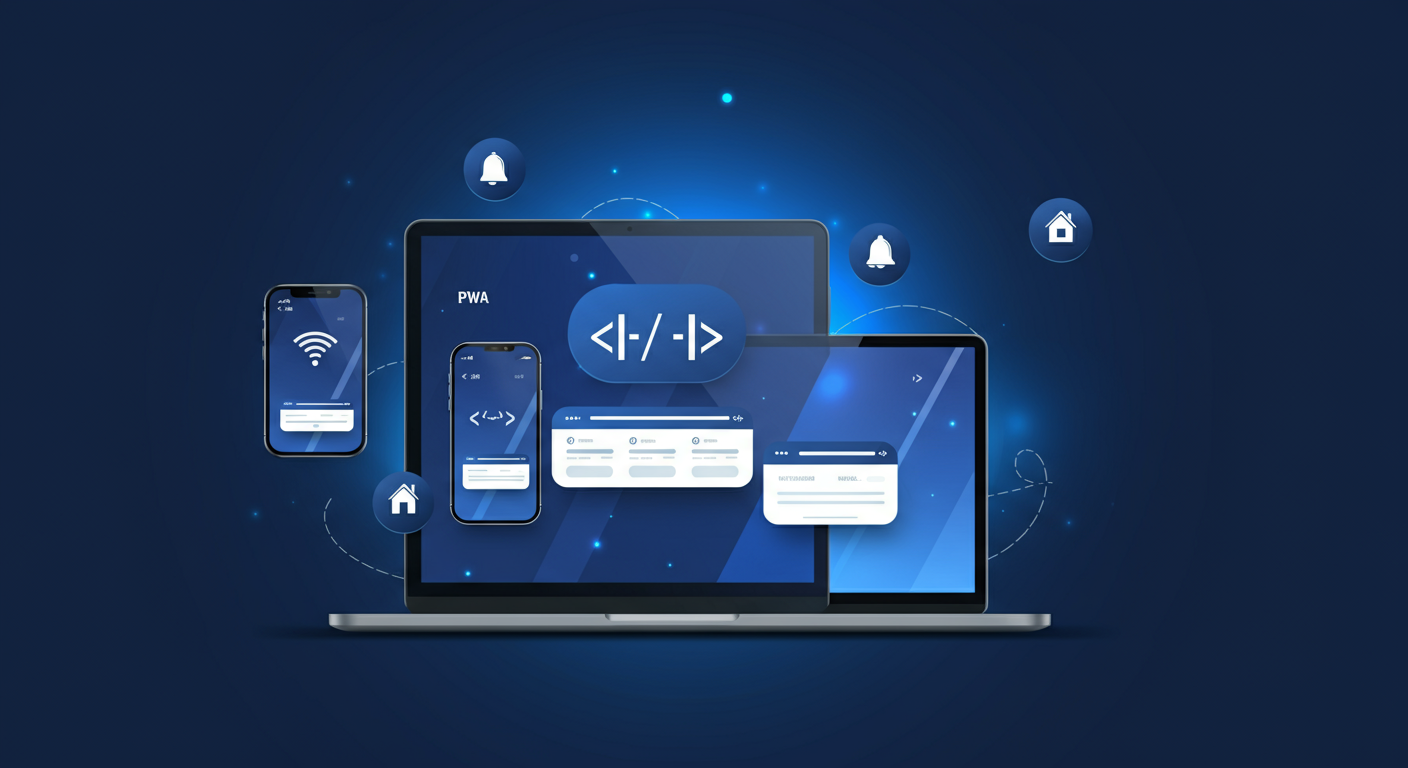
The web has come a long way from static HTML pages. Today, users expect fast, reliable, and engaging experiences — whether they're on a desktop browser or a smartphone with a spotty connection. Progressive Web Apps (PWAs) sit at the intersection of the web and native mobile apps, offering the best of both worlds. In this post, we'll break down what PWAs are, how they compare to native apps, and why they represent a pivotal shift in how we build for the web.
What Are Progressive Web Apps?
A Progressive Web App is a web application that uses modern browser APIs and web technologies to deliver an experience comparable to a native app. The term was coined by Google engineers Alex Russell and Frances Berriman in 2015, and the concept has since been embraced by every major browser vendor.
At their core, PWAs are built with standard web technologies — HTML, CSS, and JavaScript — but they leverage a set of powerful APIs to behave more like native applications. They are:
- Progressive — They work for every user, regardless of browser choice, using progressive enhancement.
- Responsive — They fit any form factor: desktop, mobile, tablet, or whatever comes next.
- Connectivity-independent — Enhanced with service workers to work offline or on low-quality networks.
- App-like — They feel like an app to the user, with app-style interactions and navigation.
- Discoverable — Identifiable as applications by search engines, unlike native apps.
PWAs vs. Native Apps: What's the Difference?
Native apps are built specifically for a platform — iOS or Android — using platform-specific languages like Swift, Kotlin, or Java. They're distributed through app stores, can access deep device hardware, and generally offer the highest performance ceiling. But they come with significant trade-offs.
PWAs, by contrast, are built once and run everywhere. Here's how they compare across the dimensions that matter most:
- Distribution: Native apps require app store submission and approval. PWAs are deployed like any website — instantly, with no gatekeeping.
- Installation friction: Users must actively download native apps. PWAs can be added to the home screen with a single tap, or even auto-prompted by the browser.
- Update cycle: Native apps require users to download updates. PWAs update silently in the background — users always get the latest version.
- Development cost: Native apps often require separate iOS and Android codebases. PWAs are a single codebase that works across all platforms.
- Discoverability: Native apps are buried in app stores. PWAs are indexed by search engines and can be found through organic search.
That said, native apps still hold advantages in areas like access to certain hardware APIs, background processing, and raw performance for graphics-intensive applications. For most business use cases, however, PWAs close the gap significantly.
Key Features of Progressive Web Apps
Offline Support
One of the most transformative features of PWAs is offline capability, powered by the Service Worker API. A service worker is a JavaScript file that runs in the background, separate from the main browser thread. It acts as a programmable network proxy, intercepting requests and serving cached responses when the network is unavailable.
This means users can browse previously visited content, complete forms, or interact with the app even without an internet connection. When connectivity is restored, the service worker syncs any pending data in the background — a pattern known as background sync.
Push Notifications
PWAs can send push notifications to users even when the browser is closed, using the Push API and Notifications API. This is a capability previously exclusive to native apps, and it's a powerful re-engagement tool for businesses.
Studies show that push notifications can increase user re-engagement by up to 3x compared to email campaigns. With PWAs, businesses can send timely, relevant notifications — order updates, flash sales, breaking news — directly to a user's device, without requiring them to install a native app.
Installability
PWAs can be installed directly from the browser to a user's home screen or desktop, creating a standalone app experience — complete with a custom icon, splash screen, and no browser chrome. This is made possible by the Web App Manifest, a JSON file that describes the app's name, icons, theme colors, and display mode.
On Android, Chrome will automatically prompt users to install a PWA when they meet certain engagement criteria. On iOS, users can add PWAs to their home screen via the Share menu in Safari. Once installed, the PWA launches in its own window, indistinguishable from a native app to the casual observer.
Real-World Examples of Successful PWAs
PWAs are no longer an experimental technology — they're powering some of the world's most-used digital products. Here are a few standout examples:
- Twitter Lite: Twitter's PWA reduced data consumption by 70%, increased pages per session by 65%, and cut bounce rates by 20%. It became the default Twitter experience for users in emerging markets.
- Starbucks: The Starbucks PWA is 99.84% smaller than their iOS app. After launching it, daily active users doubled, and orders from desktop users increased significantly.
- Pinterest: Pinterest rebuilt their mobile web experience as a PWA and saw a 60% increase in core engagements, a 44% increase in user-generated ad revenue, and a 40% increase in time spent on the site.
- Uber: Uber's PWA loads in under 3 seconds on 2G networks, making it accessible to users in regions with limited connectivity — a critical factor in their global expansion strategy.
- Spotify: Spotify's web player is a full-featured PWA that allows users to stream music, manage playlists, and discover new content — all from the browser, with an experience nearly identical to the desktop app.
Benefits of PWAs for Businesses
The business case for PWAs is compelling across virtually every industry. Here's why organizations of all sizes are investing in PWA development:
- Lower development and maintenance costs. A single PWA codebase replaces separate iOS, Android, and web teams. This can reduce development costs by 30–50% compared to maintaining parallel native apps.
- Improved performance and Core Web Vitals. PWAs are built with performance in mind. Faster load times directly correlate with higher conversion rates — Google data shows that a 1-second improvement in mobile load time can increase conversions by up to 27%.
- Increased reach and accessibility. PWAs work on any device with a modern browser, reaching users who won't download a native app. Research suggests that for every user who installs a native app, 3–5 more will engage with a PWA.
- Better SEO. Unlike native apps, PWAs are fully indexable by search engines. Every page of your PWA can rank in search results, driving organic traffic that native apps simply cannot capture.
- No app store dependency. Avoid the 15–30% revenue cut taken by app stores, bypass lengthy review processes, and ship updates on your own schedule.
How to Get Started with PWAs
Building a PWA doesn't require starting from scratch. If you already have a web application, you can progressively enhance it into a PWA by following these steps:
- Serve over HTTPS. PWAs require a secure context. Ensure your site is served over HTTPS — this is a prerequisite for service workers and most modern browser APIs.
- Create a Web App Manifest. Add a manifest.json file to your project that defines your app's name, icons, theme color, background color, and display mode (standalone, fullscreen, etc.).
- Register a Service Worker. Write a service worker script that handles caching strategies (cache-first, network-first, stale-while-revalidate) for your app's assets and API responses.
- Optimize for performance. Use tools like Lighthouse (built into Chrome DevTools) to audit your PWA. Aim for high scores across Performance, Accessibility, Best Practices, and SEO.
- Implement push notifications (optional). Use the Push API and a service like Firebase Cloud Messaging (FCM) to send targeted push notifications to opted-in users.
- Use a framework with PWA support. Modern frameworks like Next.js, Nuxt.js, and Angular have built-in PWA plugins that handle much of the service worker and manifest configuration automatically.
The Road Ahead
The gap between web and native continues to narrow. With Project Fugu — Google's initiative to bring native-level capabilities to the web — PWAs now have access to APIs for Bluetooth, NFC, file system access, contact pickers, and more. Apple has also steadily improved PWA support in Safari, reflecting growing industry consensus that the web is the universal platform.
For businesses evaluating their digital strategy, the question is no longer whether to consider PWAs — it's whether you can afford not to. With lower costs, broader reach, better SEO, and a user experience that rivals native apps, Progressive Web Apps are not just the future of web development. They're the present.