
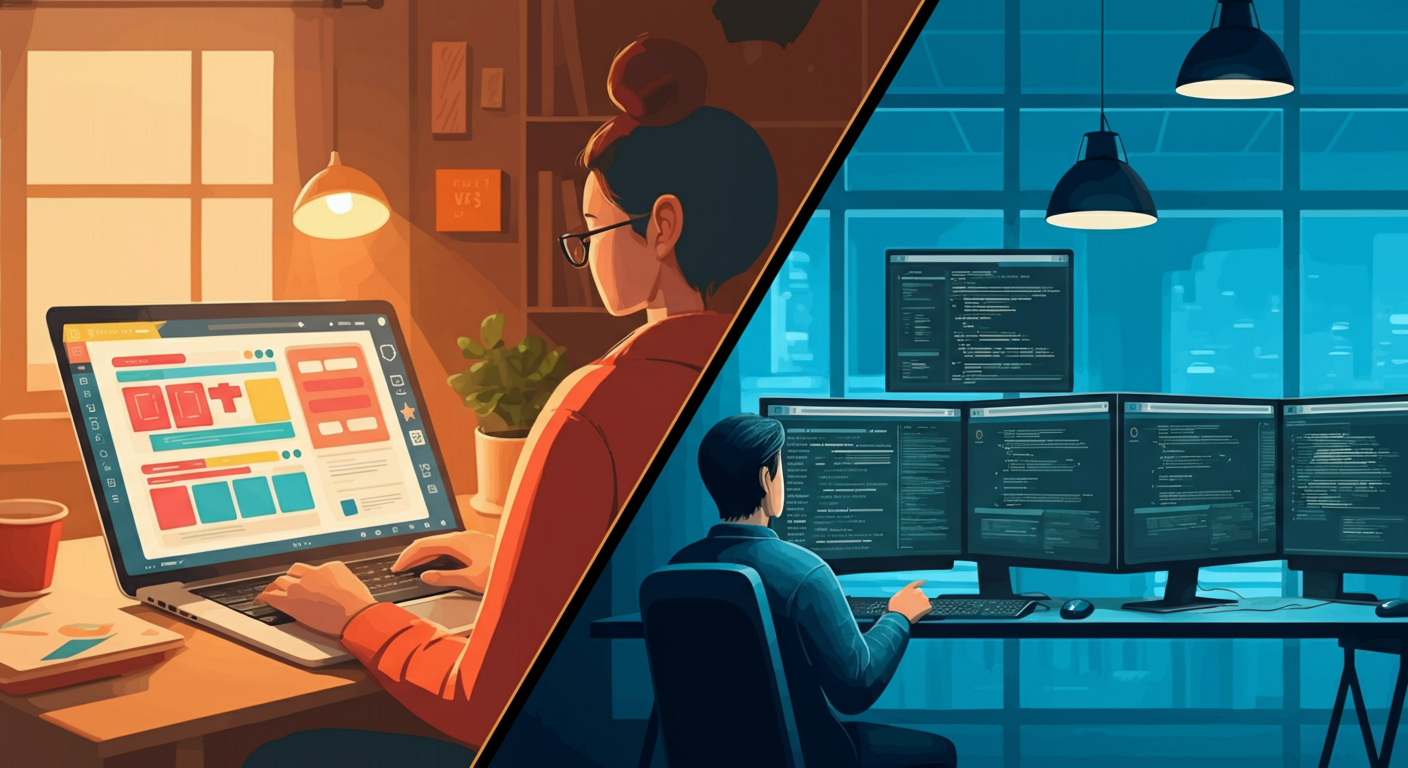
Every business needs a website — but not every business needs the same kind of website. Whether you're a solo freelancer launching a portfolio, a local shop going digital, or a growing startup ready to scale, the question is the same: should you build it yourself or bring in a professional? The answer depends on more than budget. It comes down to your goals, your timeline, and how much your website will need to do for you.
The DIY Route: Website Builders Like Wix and Squarespace
Platforms like Wix, Squarespace, Webflow, and WordPress.com have made it easier than ever to get a website live without writing a single line of code. Drag-and-drop editors, pre-built templates, and built-in hosting mean you can go from zero to published in a weekend. But ease of entry doesn't always mean the right fit.
Pros of DIY Website Builders
- Low upfront cost — most plans range from $13 to $49/month with no large initial investment
- Fast to launch — a basic site can be live within hours or a few days
- No technical knowledge required — visual editors handle layout, fonts, and colors
- Built-in maintenance — hosting, security updates, and backups are managed for you
- Full creative control — you can update content, images, and pages at any time without waiting on a developer
Cons of DIY Website Builders
- Template limitations — your design is constrained by what the platform allows, making it hard to stand out
- Scalability ceiling — as your business grows, you may outgrow the platform's capabilities
- SEO constraints — many builders offer basic SEO tools but lack the depth needed for competitive rankings
- Platform dependency — if the provider changes pricing or shuts down, your site is at risk
- Time investment is still real — learning the platform, designing pages, and writing content takes significant effort
The Professional Route: Hiring a Web Developer or Agency
Hiring a professional web developer — whether a freelancer or a full-service agency — means handing the technical and design work to someone with specialized expertise. The result is typically a more polished, performant, and strategically built website. But it comes with trade-offs worth understanding.
Pros of Hiring a Professional
- Custom design — your site is built to reflect your brand identity, not a generic template
- Advanced functionality — custom integrations, APIs, e-commerce systems, and complex features are all achievable
- Performance optimization — professionals build for speed, accessibility, and Core Web Vitals from the ground up
- SEO-ready architecture — clean code, proper semantic structure, and technical SEO best practices baked in
- Long-term scalability — a well-architected site can grow with your business without needing a full rebuild
Cons of Hiring a Professional
- Higher upfront cost — freelance projects typically start at $2,000–$5,000; agency work can run $10,000–$50,000+
- Longer timeline — a professionally built site usually takes 4–12 weeks depending on scope
- Ongoing dependency — updates and changes may require developer involvement unless a CMS is included
- Finding the right fit takes effort — vetting developers, reviewing portfolios, and managing the project requires time
Cost Comparison: What Are You Really Paying For?
Cost is often the first factor people consider — but it's important to look beyond the sticker price and think about total cost of ownership over time.
- DIY (Year 1): $150–$600 in platform fees, plus your time (which has real value)
- DIY (Ongoing): $150–$600/year in subscriptions, plus add-on costs for premium plugins or features
- Professional (Year 1): $2,000–$50,000+ depending on complexity, plus $500–$2,000/year for hosting and maintenance
- Professional (Long-term): Lower recurring costs, but updates and new features require additional investment
The hidden cost of DIY is opportunity cost. Every hour you spend wrestling with a website builder is an hour not spent on your core business. For many business owners, that trade-off tips the scales toward professional development sooner than expected.
Time Investment: Faster Isn't Always Better
DIY platforms promise speed, and they deliver — to a point. Getting a basic site live is genuinely fast. But achieving a polished, well-structured, content-rich website still takes 20–60+ hours of your personal time. You'll spend time choosing a template, customizing layouts, writing copy, sourcing images, configuring settings, and troubleshooting quirks.
Professional development takes longer upfront — typically 4 to 12 weeks — but your involvement is focused on providing content, feedback, and approvals rather than doing the technical work yourself. Once launched, a professionally built site with a CMS (like Sanity or WordPress) lets you manage content independently without needing to touch code.
Scalability: Planning for Where You're Going, Not Just Where You Are
One of the most overlooked factors in the DIY vs. professional debate is scalability. A website that works perfectly for a 5-page brochure site may buckle under the demands of a growing e-commerce store, a content-heavy blog, or a platform with user accounts and custom workflows.
DIY platforms have improved significantly, but they still impose architectural limits. Adding complex features often means layering on third-party apps that slow your site down and increase monthly costs. Migrating away from a platform like Wix or Squarespace later is painful — you typically can't export your design, only your content.
A professionally built site on a modern stack — whether that's Next.js, a headless CMS, or a custom WordPress build — is designed to scale. You own the codebase, you control the infrastructure, and you can extend functionality without hitting a platform ceiling.
Decision Guide: Which Option Is Right for Your Business?
There's no universal right answer — but there are clear patterns based on business size and goals. Use this guide to find your fit.
Choose DIY If…
- You're a solopreneur or early-stage startup with a tight budget (under $1,000)
- You need a simple online presence: a portfolio, landing page, or basic service listing
- You want to validate a business idea before investing in a full build
- You enjoy the process and have time to invest in learning the platform
- Your website's primary role is informational, not a core revenue driver
Choose a Professional If…
- Your website is a primary sales or lead-generation channel for your business
- You need custom functionality: booking systems, e-commerce, membership areas, or API integrations
- Brand differentiation matters — you need a site that looks and feels distinctly yours
- You're planning to scale — more traffic, more content, more features — within the next 1–2 years
- Your time is better spent running your business than managing a website
The Hybrid Approach: Start DIY, Upgrade Later
Many successful businesses start with a DIY site to get moving quickly, then invest in professional development once they've validated their model and have revenue to reinvest. This is a smart, pragmatic approach — as long as you plan for the eventual migration and don't build so deep into a proprietary platform that switching becomes prohibitively expensive.
If you go the DIY route with a future upgrade in mind, keep your content well-organized, use a platform that allows data export, and document your brand guidelines so the transition to a professional build is smooth.
Final Thoughts
The best website is the one that serves your business goals — not the most expensive one, and not necessarily the fastest to build. DIY platforms are genuinely powerful tools for the right use cases. Professional development is a worthwhile investment when your website needs to work hard for your business.
Take stock of where your business is today, where you want it to be in two years, and how central your website is to getting there. That clarity will make the decision straightforward.